 pixtuoid
7F · penthouse — open source
Your agents
live here
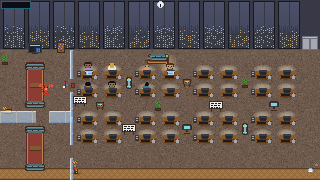
Every session moves in and goes about its day — in a pixel office you can watch at a glance.
- cc
- cx
- ag
- rx
- cw
- cp
- oc
- cu
- hm
- om
- ok
- gk
- km
- jc
- ds
macOS · Linux · Windows · crates.io · MIT licensed
6F · studio — watch it work
Seven demos.
One office.
What's playing is live — the same office running in your browser. Every demo on the list is watchable: pick one and the wall plays it. Drag the clock, roll in a storm, switch the vibe.
every session claims a desk across floors — typing, wandering, coffee runs. swarms scale too: fleets of 100+ agents working on this repo have passed through this very office.
a live OpenClaw gateway walks in as a lobster — its wander is the daemon's pulse: idle ambles, running shuttles, failing flushes red, shutdown heads for the elevator.
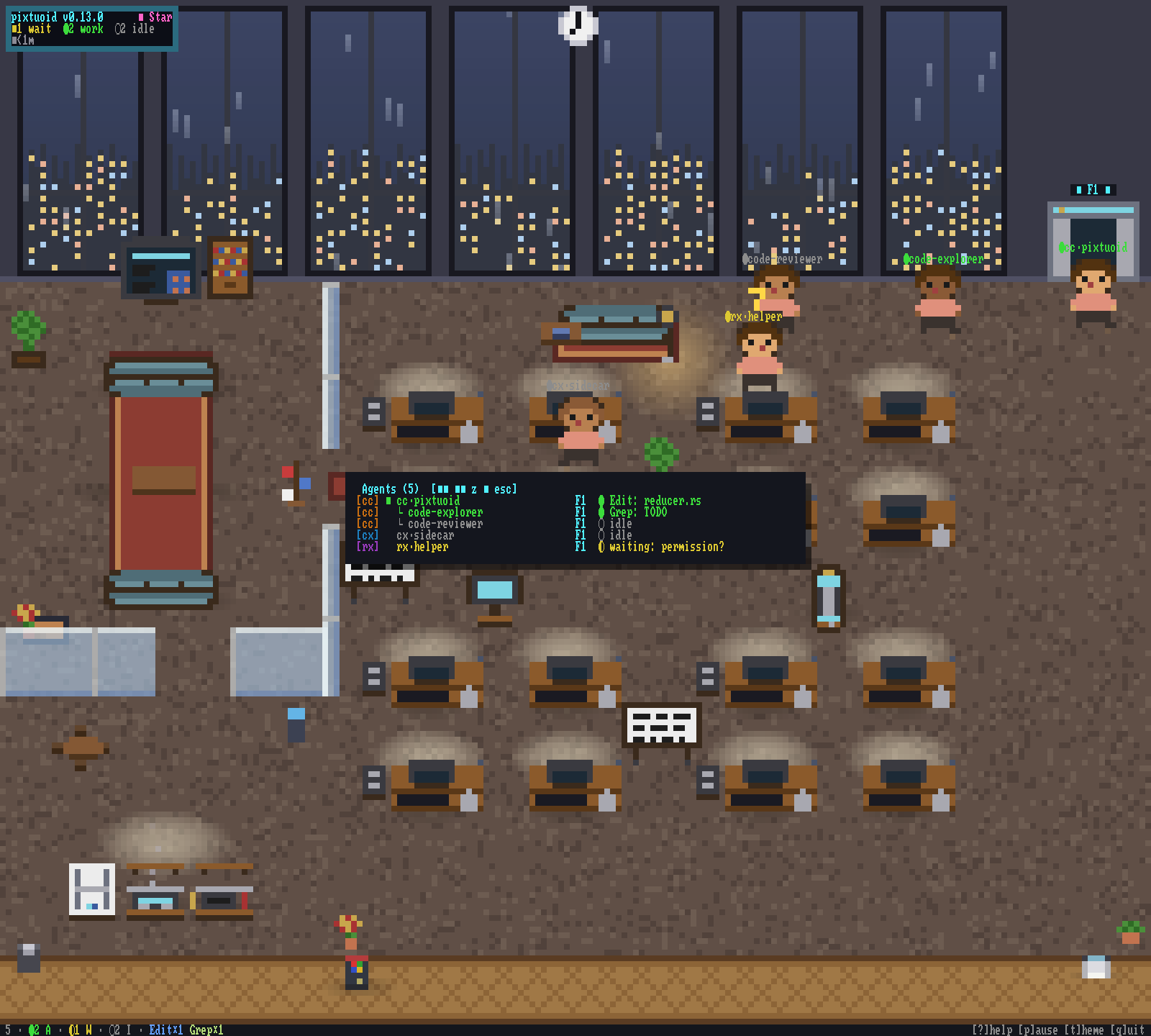
Press Tab to see every agent: which CLI it runs and what it's doing
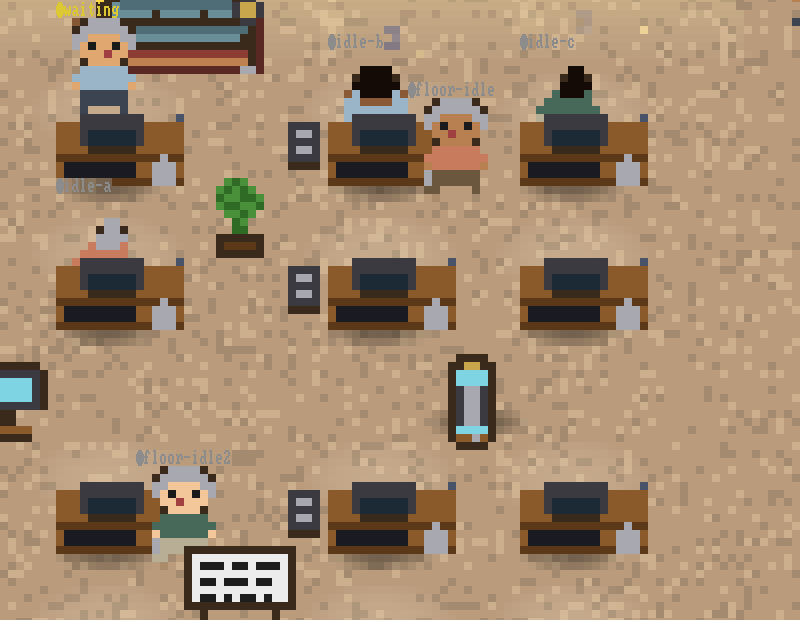
idle agents drift to the meeting room — “no tests?” “trust me” “ship it!”
A cat or dog (one per floor) roams desks, pantry, sofas; sleeps near idle agents. Click to pet — pixel-art hearts float up
take the office tour — every corner is alive
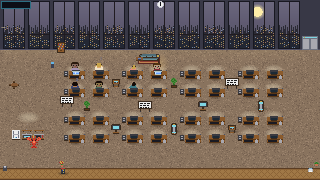
live — you're driving this one
Day turns to night outside the windows, the weather changes, and each theme gives the office a new look
- Cutaway office Terminals that can show images (kitty, iTerm2, or SIXEL) can draw the cutaway, a detailed pixel view of the office; others get the classic look, drawn with text blocks
- Multi-floor office Hop between floors with PageUp/PageDown, ↑/↓, or j/k — each switch slides into view
- Animated characters everyone types, waits with a '?', naps under z's, and walks A*-routed paths between desks.
- Team palette agents in the same working directory share shirt and pants colors: the room reads like an org-chart.
- Per-tool monitor glow edit glows blue, bash orange, read cyan — you can read the room from across the floor.
- Token meter paper piles up on a desk as its agent burns tokens — a big spend drops a sheet onto the stack; hover for the running Σ total.
- Hover tooltips hover a coworker for session length, tool-call count and running-time %, or any desk or plant for its name.
- Coffee run idle agents fetch a coffee from the pantry and carry it back — the cup stays till they leave.
- Lofi soundtrack a lofi soundtrack, synthesized live in code, follows the office's clock, weather and busyness — hear it: the ♩ toggle in the corner of this page.
- Floating desktop window pixtuoid floating opens the office in a frameless, always-on-top window — on your desktop, not just in your terminal
- Hook-safe the hook shim always exits 0 — a stuck office can never block the agent it's watching.


5F · amenities — see it real

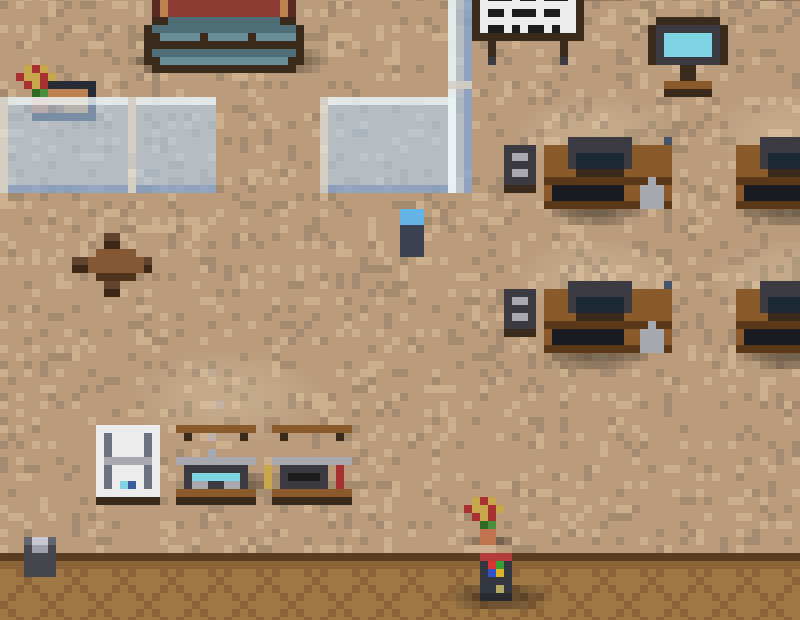
this office also pops out as a desktop window → pixtuoid floating
-
will it slow my agent down?
never — the hook's send is time-capped and it always exits 0, by contract.
— the hook-shim contract (AGENTS.md, architecture invariant 5)
-
is anything uploaded?
nothing — read-only local logs, no telemetry. only pixtuoid serve, if you start it, announces this machine on your LAN and sends the devices you paired there a fixed allowlist of fields.
4F · machine room — launch, connect, code
Up and running
in a minute.
-
pixtuoidOpen the office
Launch the TUI in any terminal. Empty desks at first, waiting for someone to show up.
-
press s → connectConnect your CLI
Open the Sources panel and bind your agent (Claude Code, Codex, …). pixtuoid wires up the integration for you — everything stays local and read-only, and nothing leaves your machine unless you run pixtuoid serve.
-
# just start codingWatch them arrive
Every session you start shows up at a desk within seconds. Disconnect in the panel and they head for the elevator.
3F · tenants — the resident CLIs
Whichever CLI
they run.
Each coding agent shows up as a coworker. Support is per-tool and per-OS — the same matrix as the Sources panel inside the app. New CLIs land via one Source adapter.
| Tool | macOS | Linux | Windows | How |
|---|---|---|---|---|
| Claude Code | supported | supported | experimental | hooks + session transcripts |
| Codex CLI | supported | supported | experimental | hooks + session transcripts (merged per session) |
| Antigravity CLI | supported | supported | experimental | hooks (plugin → ~/.gemini/config/plugins/) + session transcripts (~/.gemini/antigravity-cli/brain/) |
| Reasonix | supported | supported | experimental | hooks only (a global Reasonix plugin) |
| CodeWhale | supported | supported | experimental | hooks only (~/.codewhale/config.toml [hooks]) |
| Copilot CLI | supported | supported | experimental | session transcripts only (~/.copilot/session-state/, sub-agents interleave by agentId) |
| opencode | supported | supported | experimental | hooks (TS plugin → ~/.config/opencode/plugins/, session-id-keyed) |
| Cursor CLI | supported | supported | experimental | hooks (~/.cursor/hooks.json, session-id-keyed) |
| Hermes Agent | supported | supported | experimental | hooks (Python plugin → ~/.hermes/plugins/, runs in its gateway, session-id-keyed) |
| Oh My Pi | supported | supported | experimental | session transcripts (default ~/.omp/agent/sessions/, redirectable by profile, PI_CONFIG_DIR, XDG, or .env; subagents nested per-task) + a bridge extension (TS → agent-dir extensions/) for instant lifecycle |
| OpenClaw | supported | supported | experimental | hooks (JS plugin → openclaw gateway; a wandering gateway mascot, not a desk agent) |
| Grok Build | supported | supported | experimental | hooks (~/.grok/hooks/) + session transcripts (~/.grok/sessions/, updates.jsonl) |
| Kimi Code CLI | supported | supported | experimental | hooks (~/.kimi-code/config.toml [[hooks]], session-id-keyed) |
| Jcode | supported | supported | experimental | hooks only (~/.jcode/config.toml [hooks], session-id-keyed) |
| DeepSeek Harness | supported | supported | experimental | cordis plugin (zero-import .mjs mounted via $DSH_HOME/cordis.patch.yml, session-id-keyed) |
supported experimental
2F · phone booth — coming soon · iPhone and iPad
The office,
as an App.
No agents? The demo office, a cat or dog and lofi still keep you company.
- A widget for the Home Screen, StandBy and the Lock Screen.
- Tap anyone to see what they’re working on, and open the list to see who’s waiting for you.
-
Pair once: scan or paste the link
pixtuoid pairprints, and your agents move in live frompixtuoid serve, straight from your computer over your own network, with no server in between. - Connecting a computer is the only paid part.


The App is still in development. Features and screenshots may change before release.
1F · front desk — get it
Move them in.
macOS, Linux & Windows. Install, run pixtuoid, and the office opens.
brew install pixtuoid# macOS or Windows
npm install -g pixtuoid# Linux needs pkg-config, ALSA headers
cargo install pixtuoid pixtuoid-hook# prebuilt binaries for macOS (.tar.gz) and Windows (.zip):
# https://github.com/pixtuoid/pixtuoid/releases/latest
# Linux: use Homebrew or Cargo